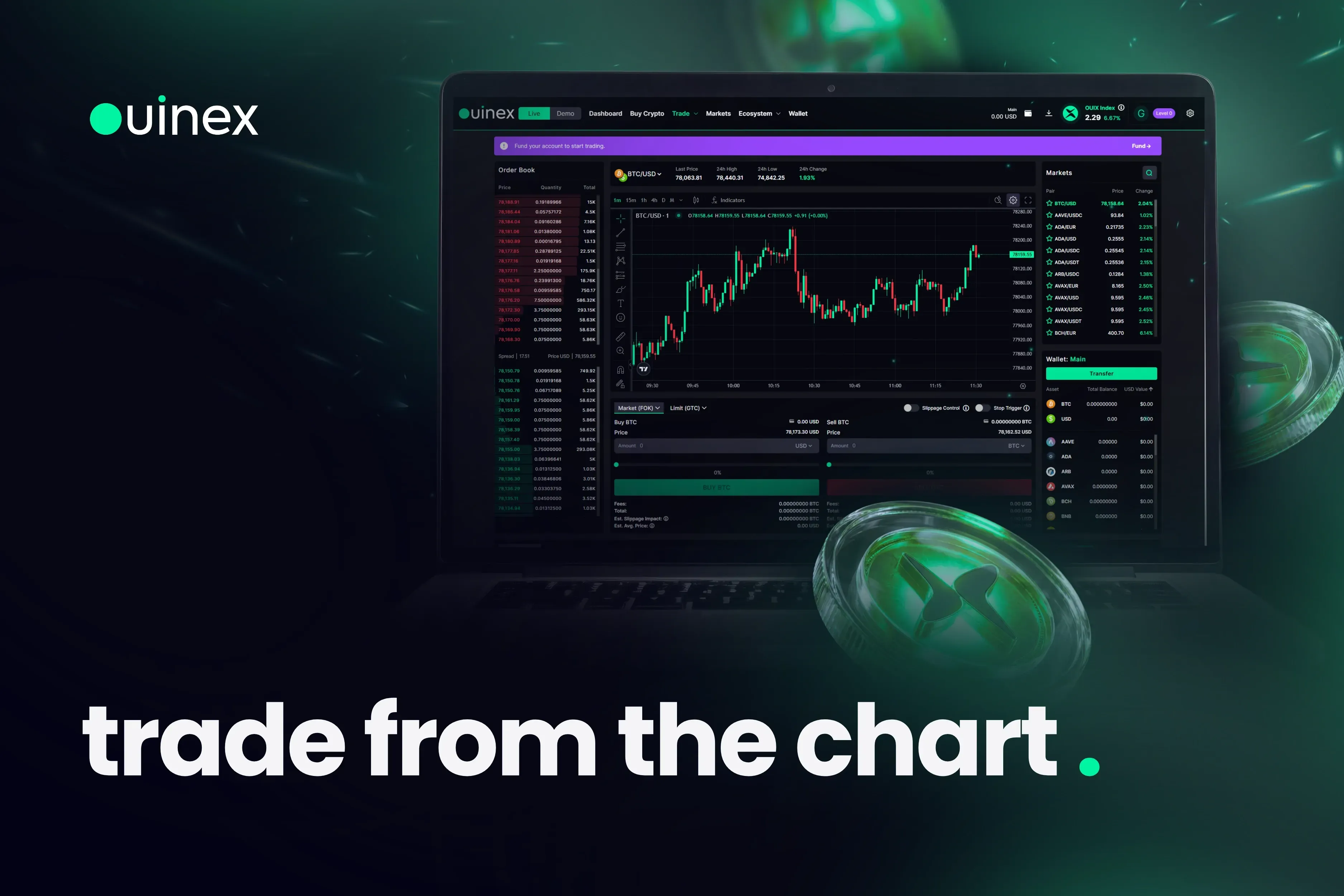
This is the integration active traders on the platform have been waiting for. Full TradingView access, its charting engine, and its layouts.
All embedded directly inside your favourite platform with execution attached. No tab switching. No retyping a price you were already looking at.
The chart and the order live in the same place.
Learn How to trader from the chart by reading our How to Guide or watching our Youtube tutorial.
Level Up Your Game With Ouinex’s Trading View Integration
Multi-chart layouts let you run several pairs and timeframes simultaneously without losing your execution context.
Full-screen mode means the chart fills your screen. Execution stays attached.
The drag-and-drop order management is where the workflow changes most. Moving a stop loss by dragging a line on the chart removes a step that compounds under pressure.
No new price to enter in a form. No context switch. No confirmation screen. Your stop is where you see it. You adjust it where you see it.
For traders managing multiple open positions in a fast-moving market, that compression is the difference.
This is a full TradingView experience inside Ouinex and not a stripped-down version of it!
What Comes Next
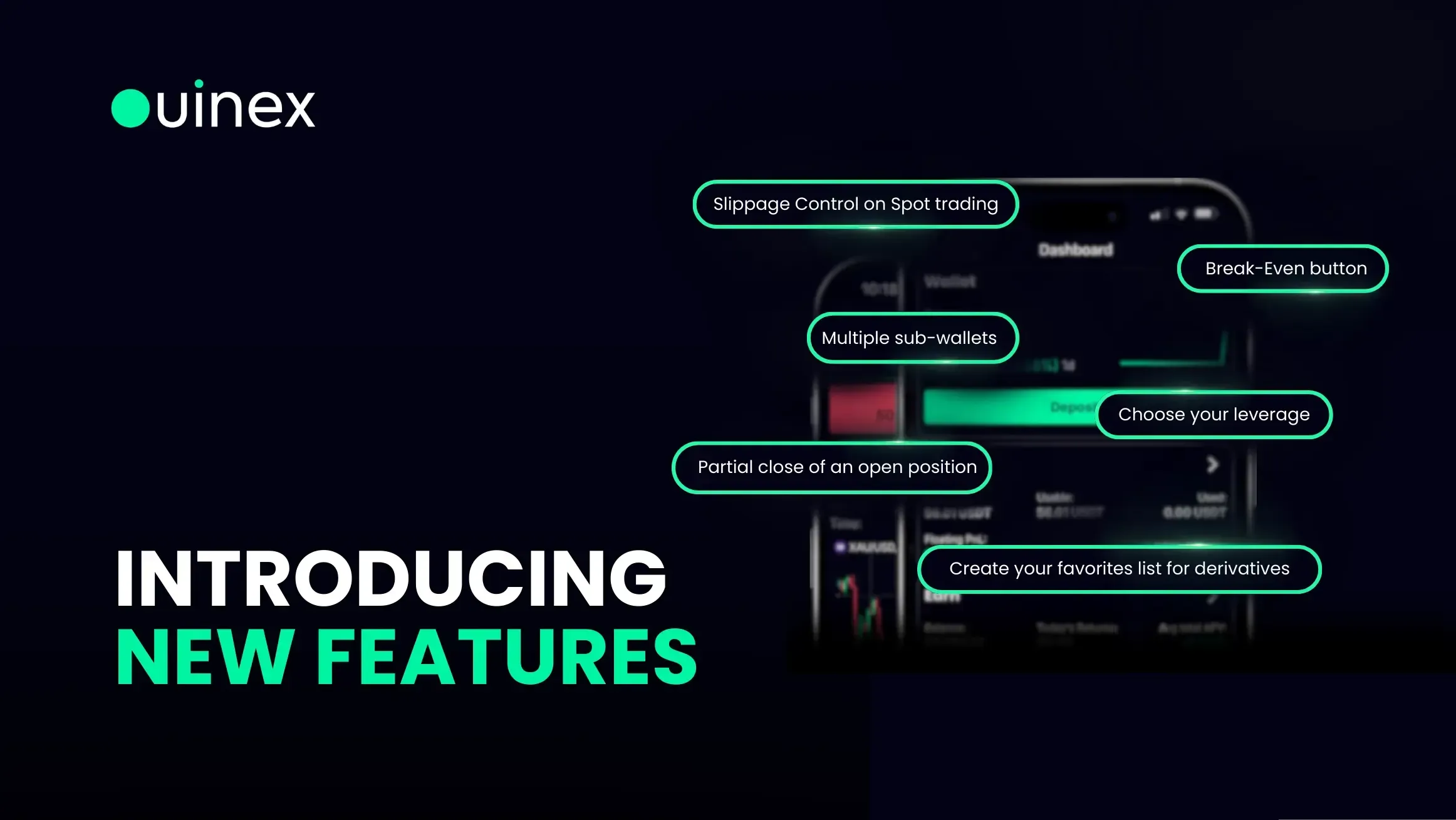
The June roadmap adds three features that extend the same logic:
- Multiple Take Profits
- Stop-Win
- Automatic Break-Even
Each one closes a specific risk management gap that traders handle manually which include partial exits at predefined levels, protecting gains when a trade reverses, locking in break-even once a position is running in profit.
Together they form a risk layer that lets a trade run its own parameters without requiring constant monitoring.