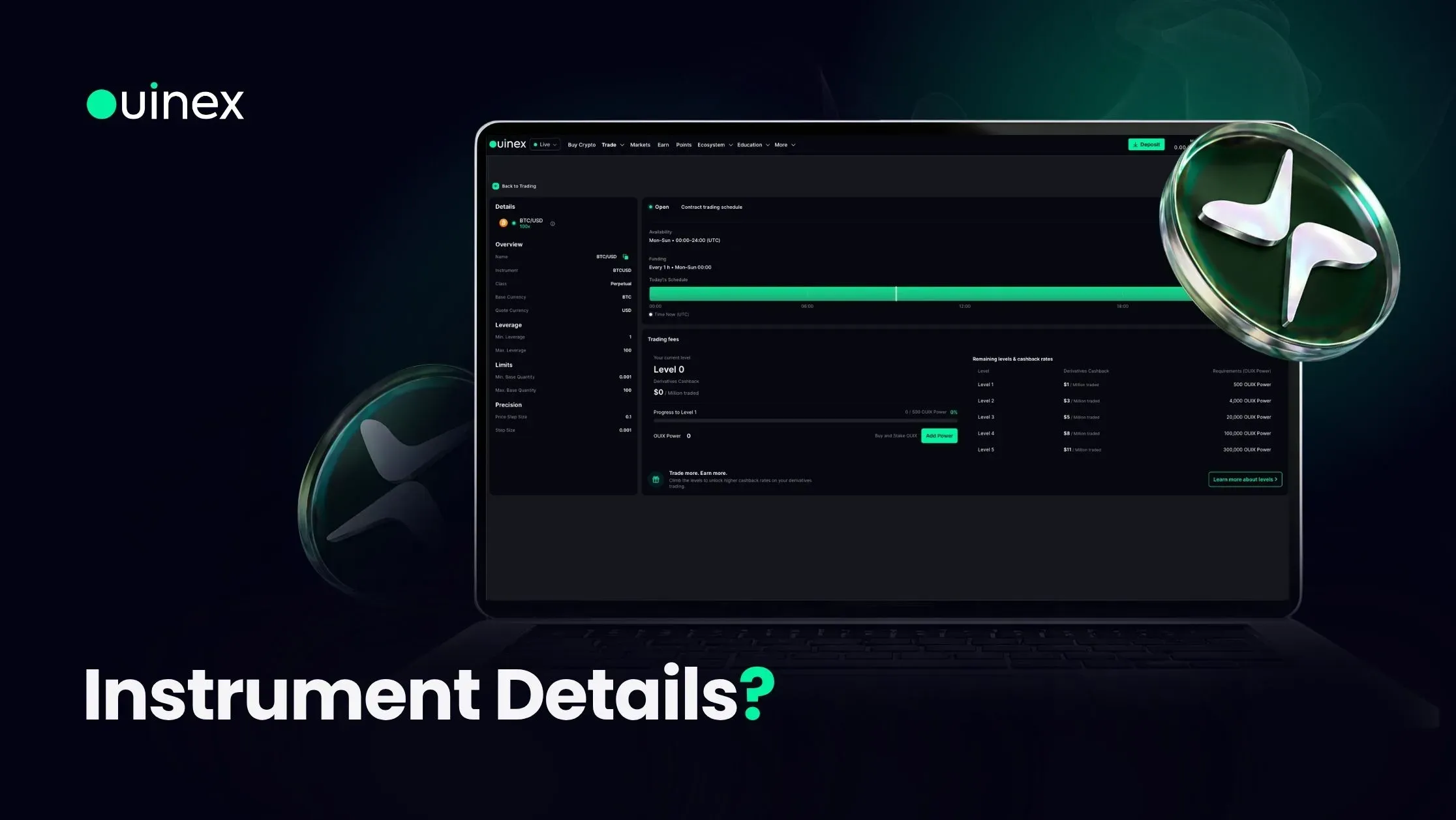
Click the eye icon next to an instrument's name on any chart and Ouinex opens a full details page for that market, the leverage available, the minimum and maximum quantity, the price step, the trading schedule with the current time marked live, and your own fee position on that instrument.
Read More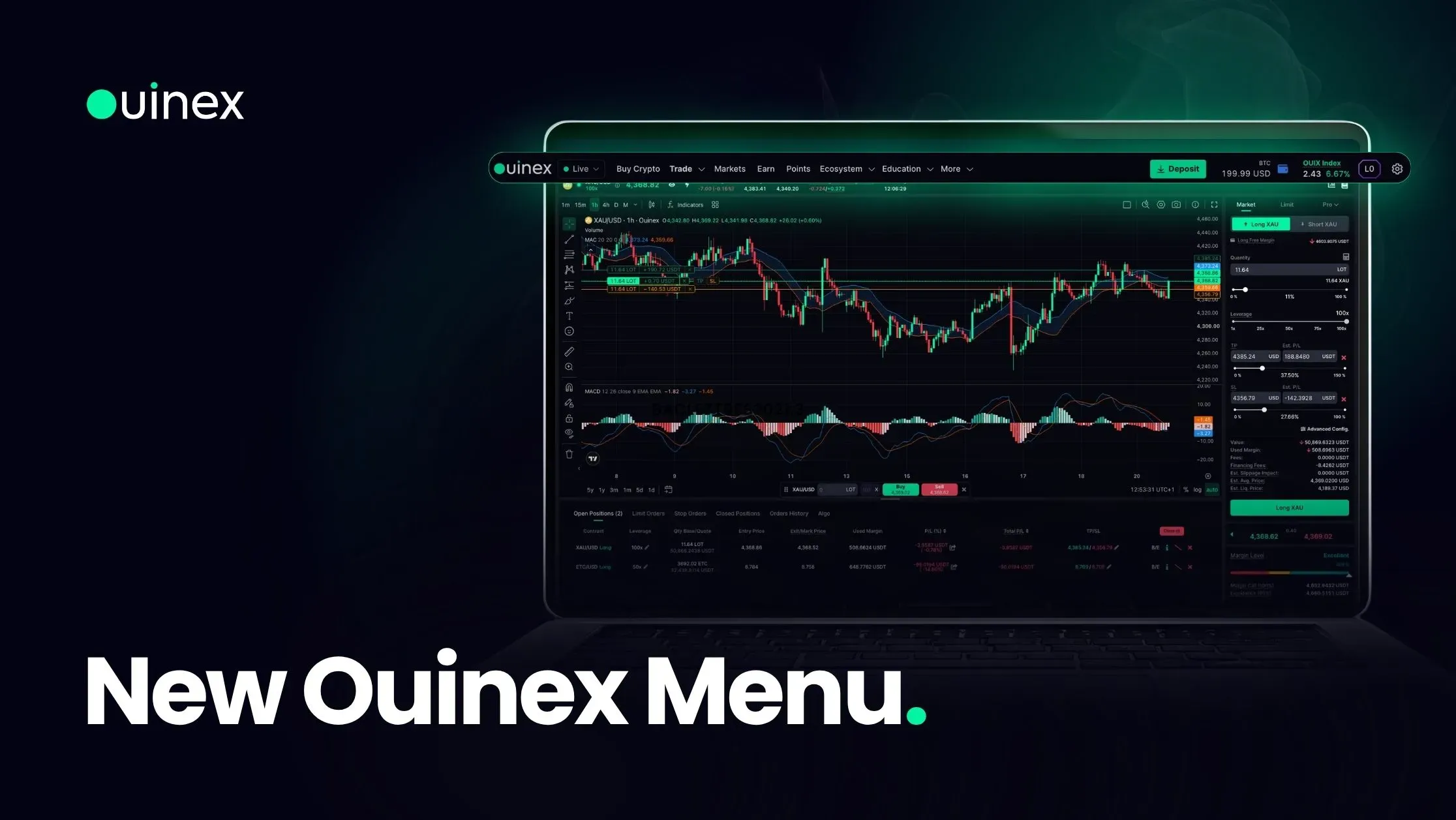
The Ouinex navigation has been rebuilt in 4.35. Two menus are new, one section has moved out of a submenu and into the top level, and the platform and the website are now linked in both directions rather than being two places you had to find separately.
Read More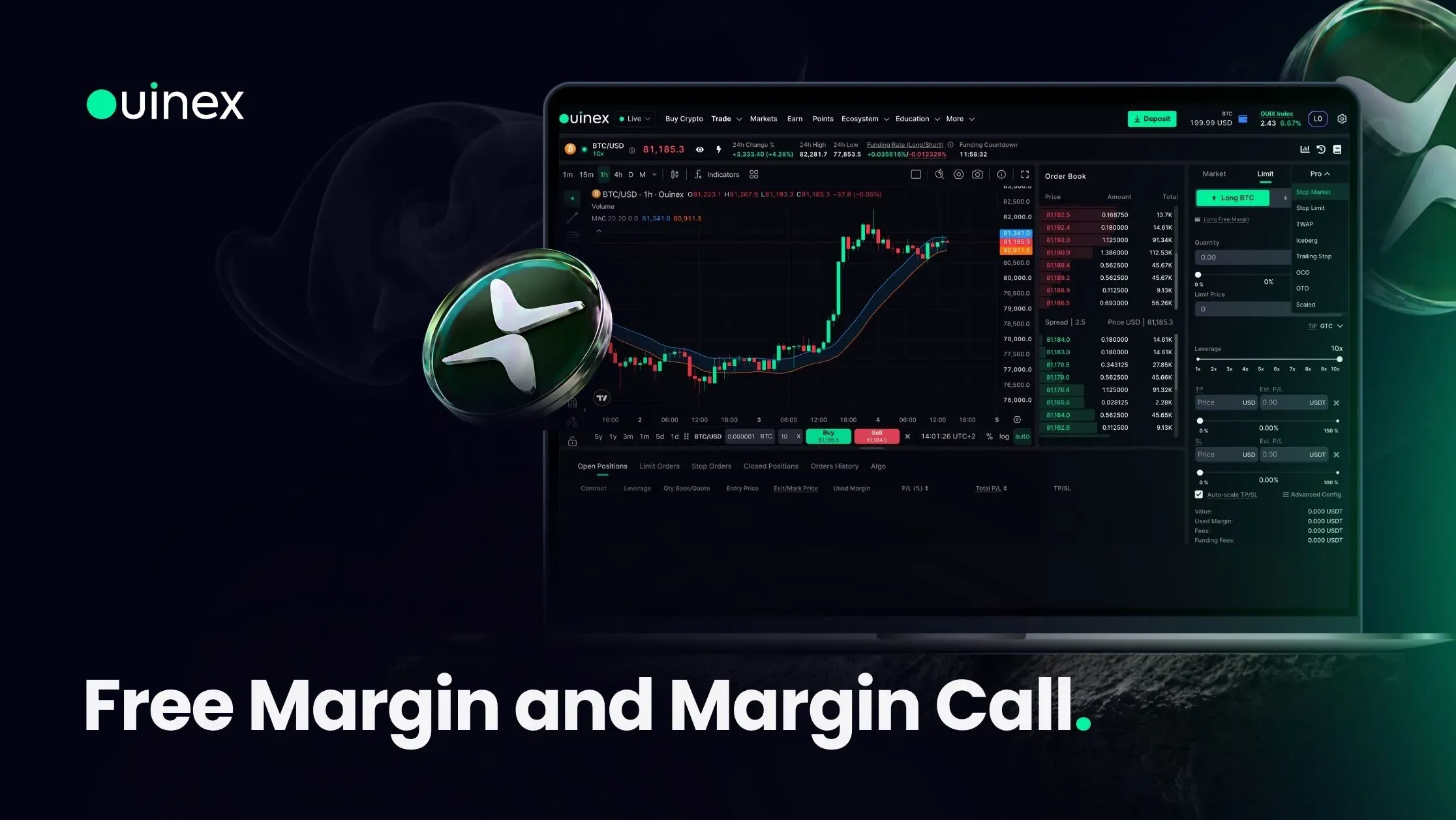
Two things about margin behave differently on Ouinex from 4.35, and both are the kind of change that generates support tickets if nobody explains them.
Read More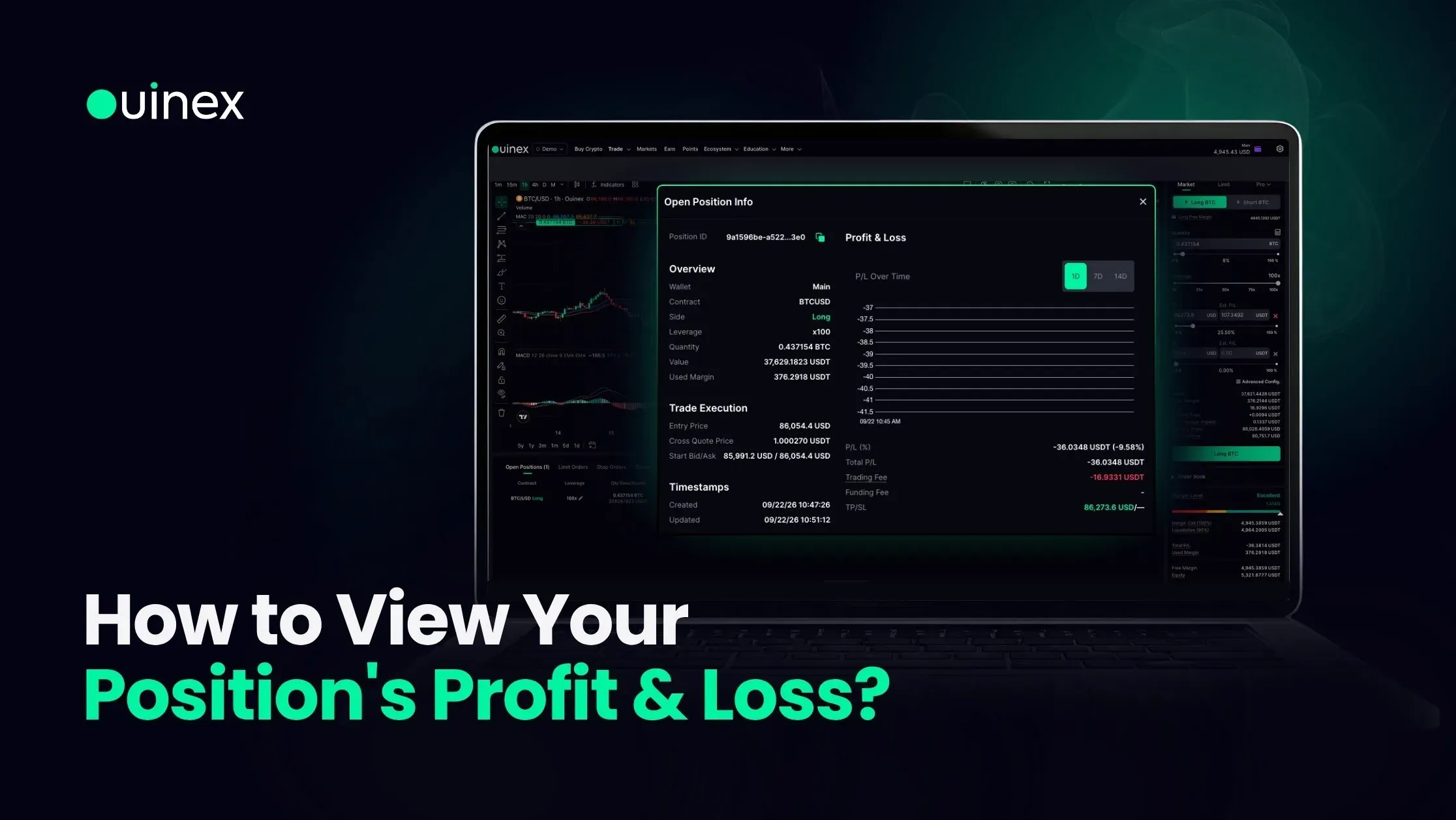
Open Positions has always shown you where a trade stands. From 4.35 it can also show you how it got there.
Read More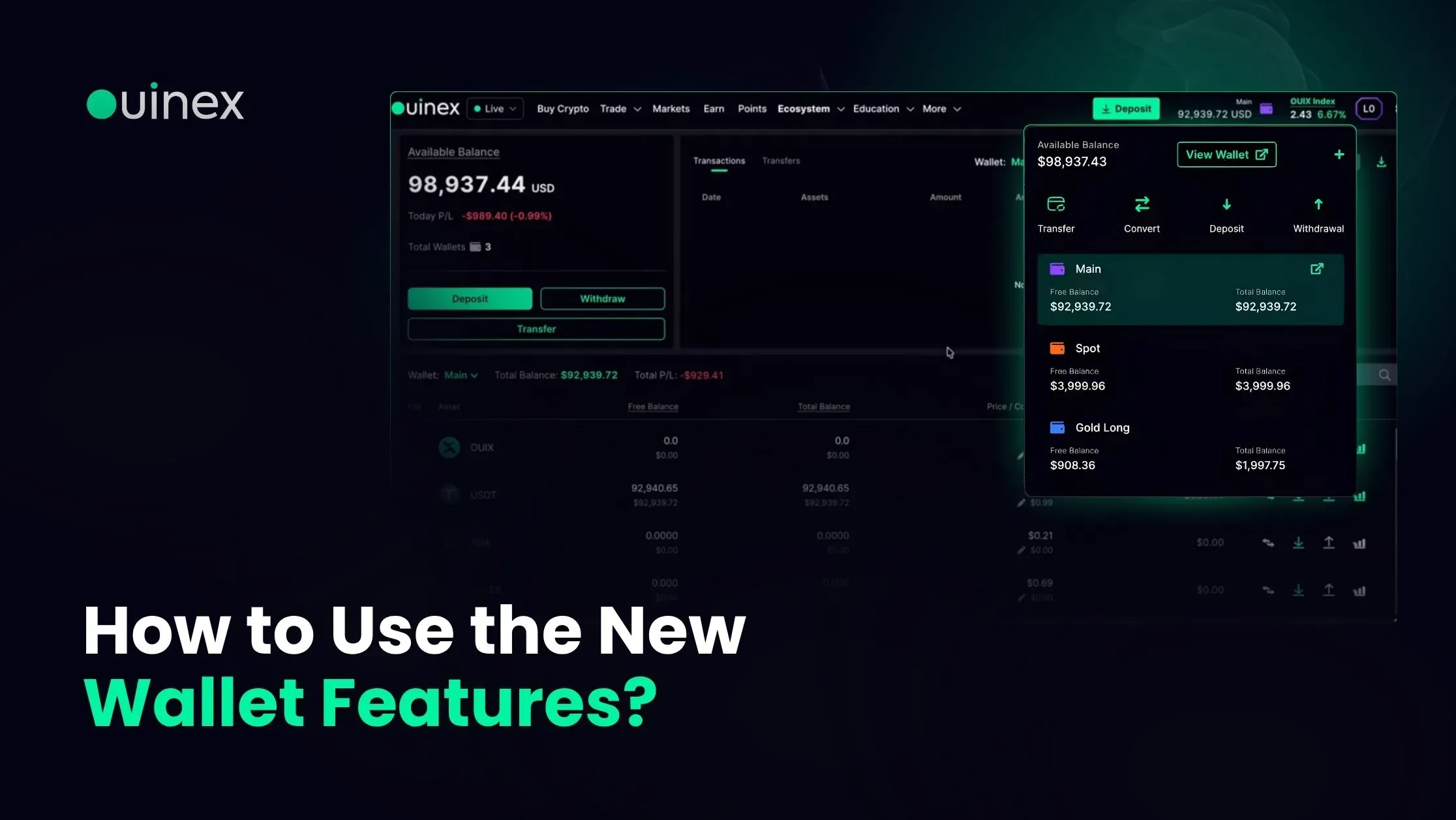
The Ouinex wallet gained four things in 4.35: colour-coding for individual wallets, filtering of transactions and transfers by wallet, a CSV export of all transactions and transfers, and a full wallet statement as a PDF.
Read More
From 4.35, Ouinex rejects orders priced too far from, or too close to, the current market price. If you have had an order refused with a price-related error and the price looked perfectly reasonable to you, this is almost certainly why.
Read More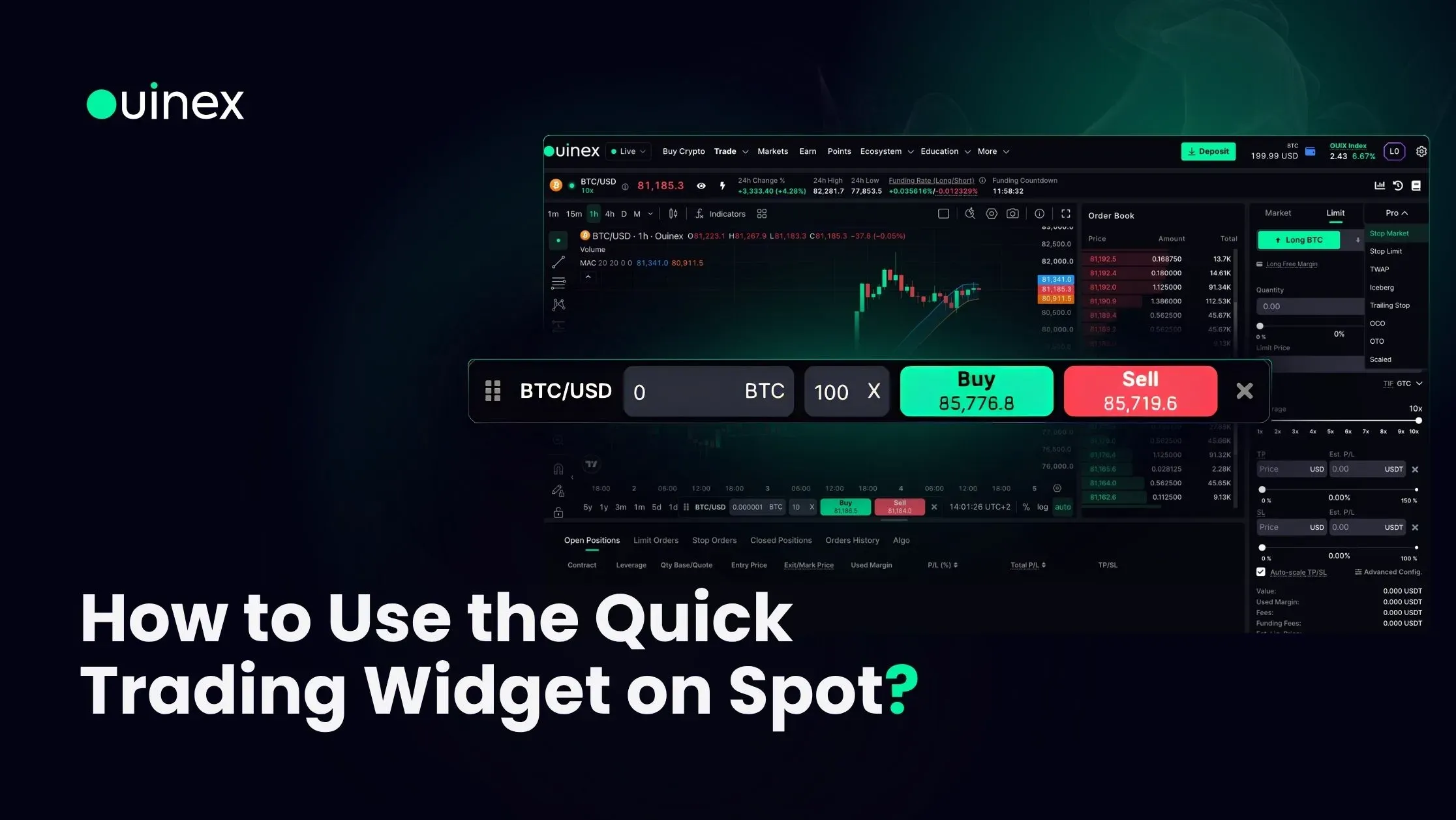
The Quick Trading widget lets you buy and sell without leaving the chart, including in full-screen mode. It has been on Derivatives for a while. From 4.35 it is on Spot as well.
Read More
You can now change how much of the screen the chart takes up. There is a drag handle directly below the chart, in the centre. Click and hold it, then drag up or down.
Read More
If you drag a take profit or stop loss slider close to the current price and the confirm button stops working, nothing is broken. From 4.35, Ouinex disables submission when a TP or SL level sits inside the bid-ask spread, and shows you why.
Read More
