
Every trading style looks free on the menu. This piece reads the bill before you order: what scalping, trend trading and counter-trend trading each actually cost you, from a trader who watched hundreds of client accounts.
Read More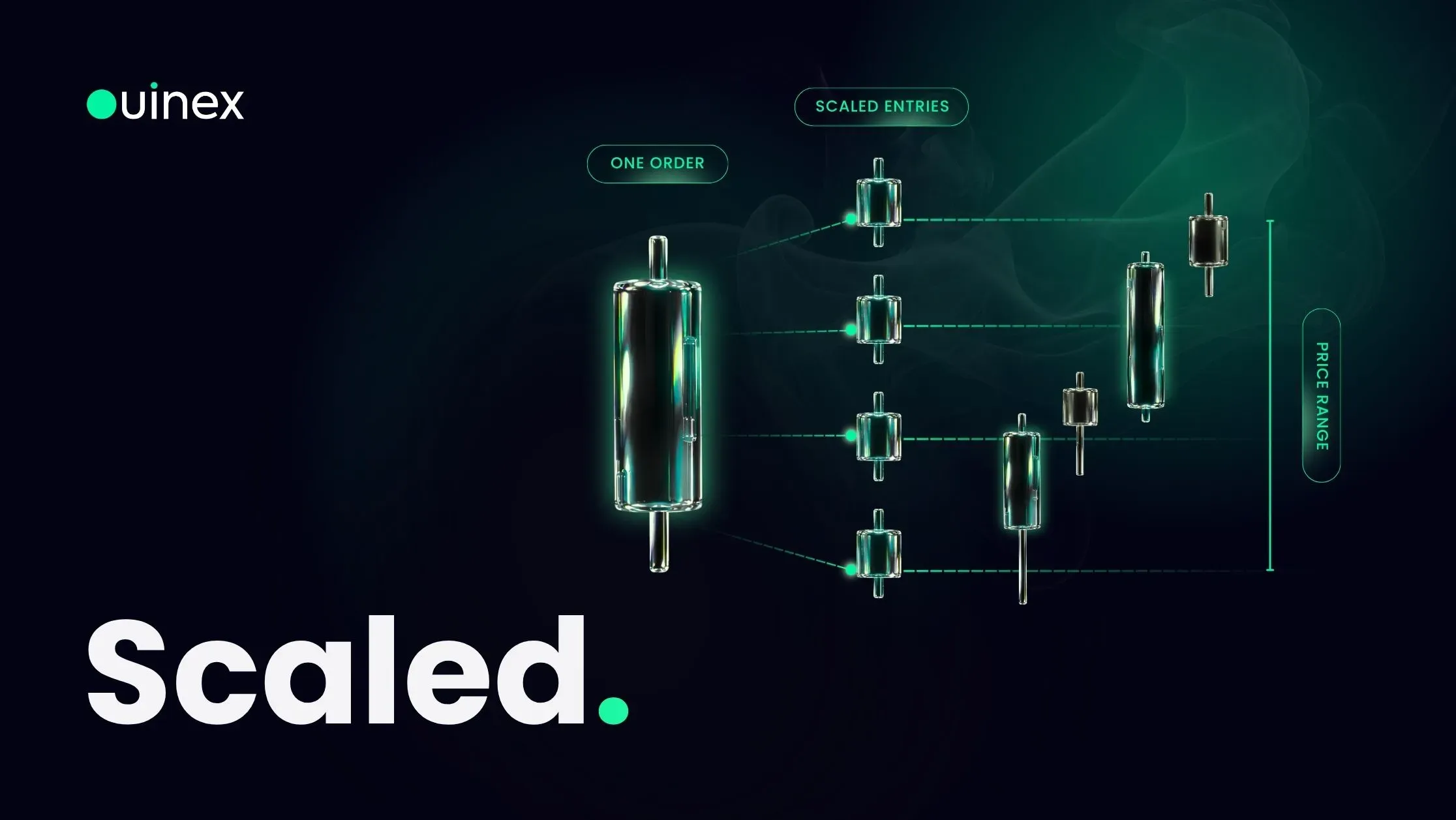
A scaled order places several limit orders across a price range instead of one order at a single price. You set the top of the range, the bottom, how many orders to spread between them, and the total size. Ouinex divides the size across the orders and shows you the resulting average entry before you commit.
Read More
An OCO order is two orders placed as one unit, linked by a single rule: whichever fills first cancels the other. In practice that means a take profit and a stop loss submitted together, so the moment your target is reached your protective order disappears on its own, and the moment your stop is hit your target disappears with it.
Read More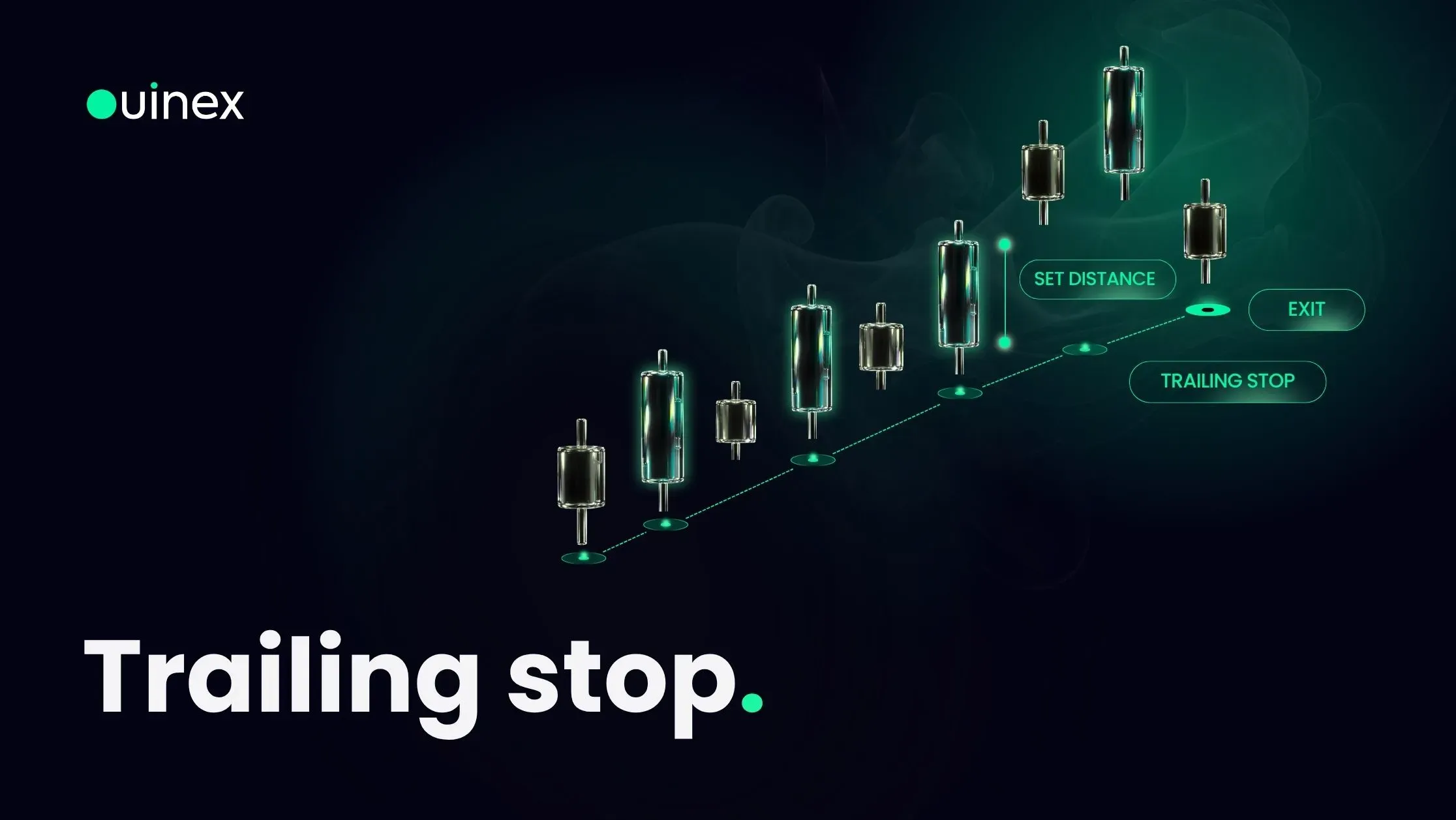
A trailing stop is a stop-loss that follows the market while your trade is working and stays put when it is not. You set a distance, a fixed amount in USD or a percentage, and the stop keeps that distance behind the best price your trade has reached. When price moves in your favour, the stop moves with it. When price turns, the stop does not move back.
Read More
An iceberg order lets you place one large order while only ever showing a small slice of it at a time. The rest stays hidden; as each visible piece fills, the next one appears, until the whole order is complete. The name is exact, what the book shows is the tip.
Read More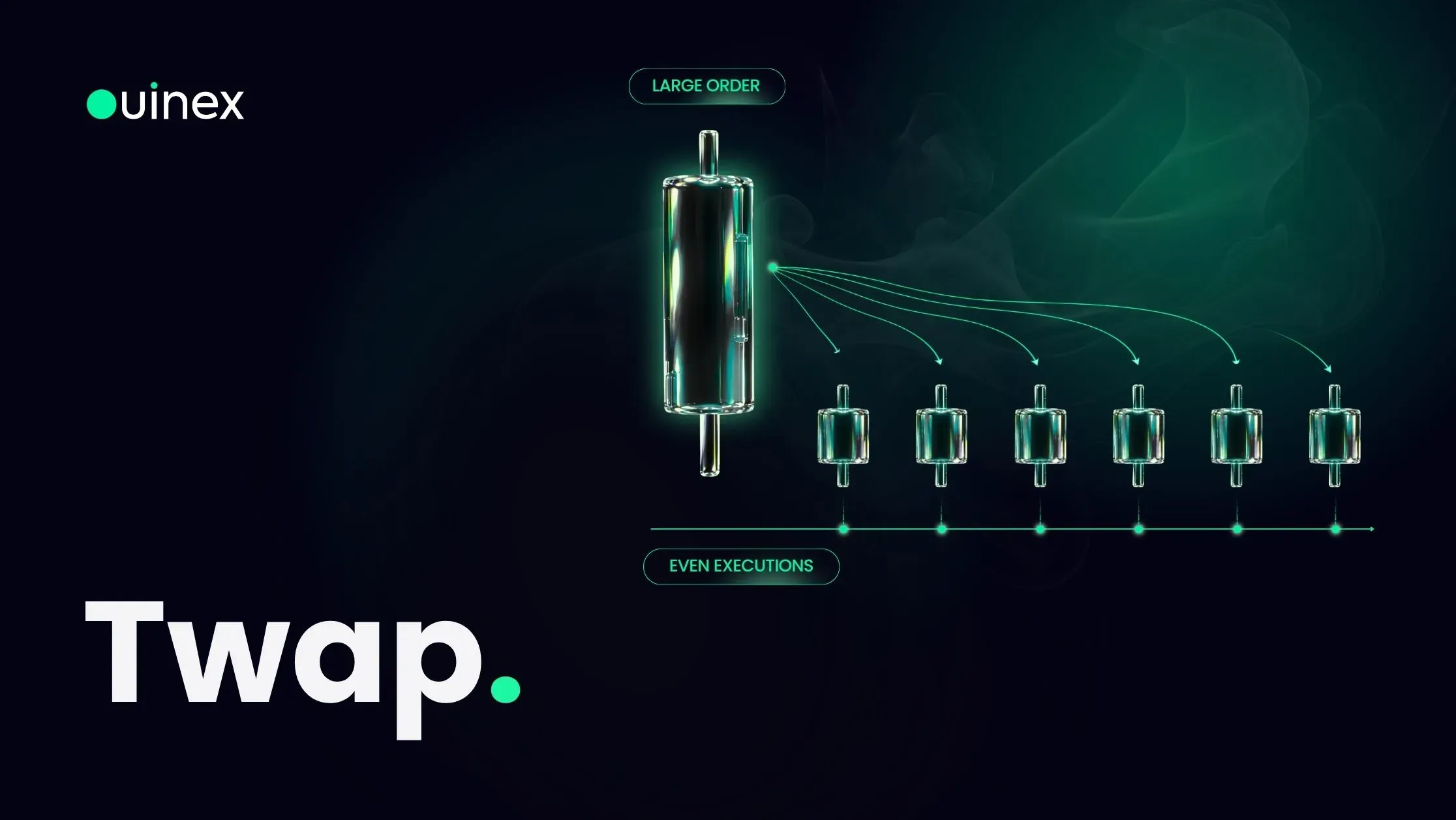
A TWAP order splits one large order into smaller pieces and executes them evenly across a time window you choose. The name stands for Time-Weighted Average Price, and the point of it is simple: one large order takes more of the available liquidity than a small one, and announces itself to everyone watching the book while it does. Several small fills spread across twenty minutes do neither.
Read More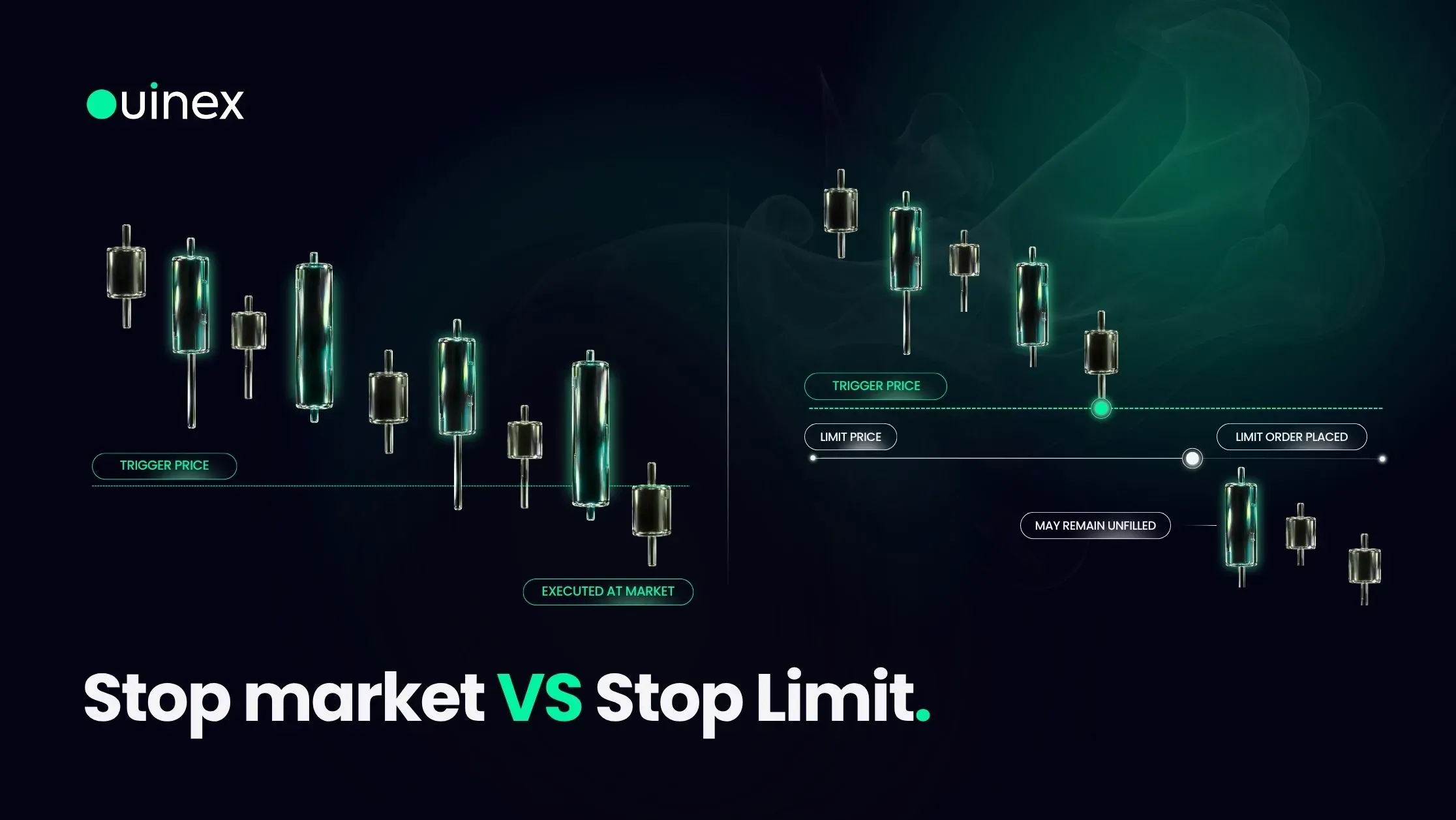
Stop market and stop limit are both trigger orders: nothing happens until the market reaches a price you set in advance, and then something does. They sit next to Market and Limit in the order type menu, and they exist so you can enter or exit a trade at a level you have already decided on, without sitting in front of the screen waiting for it.
Read More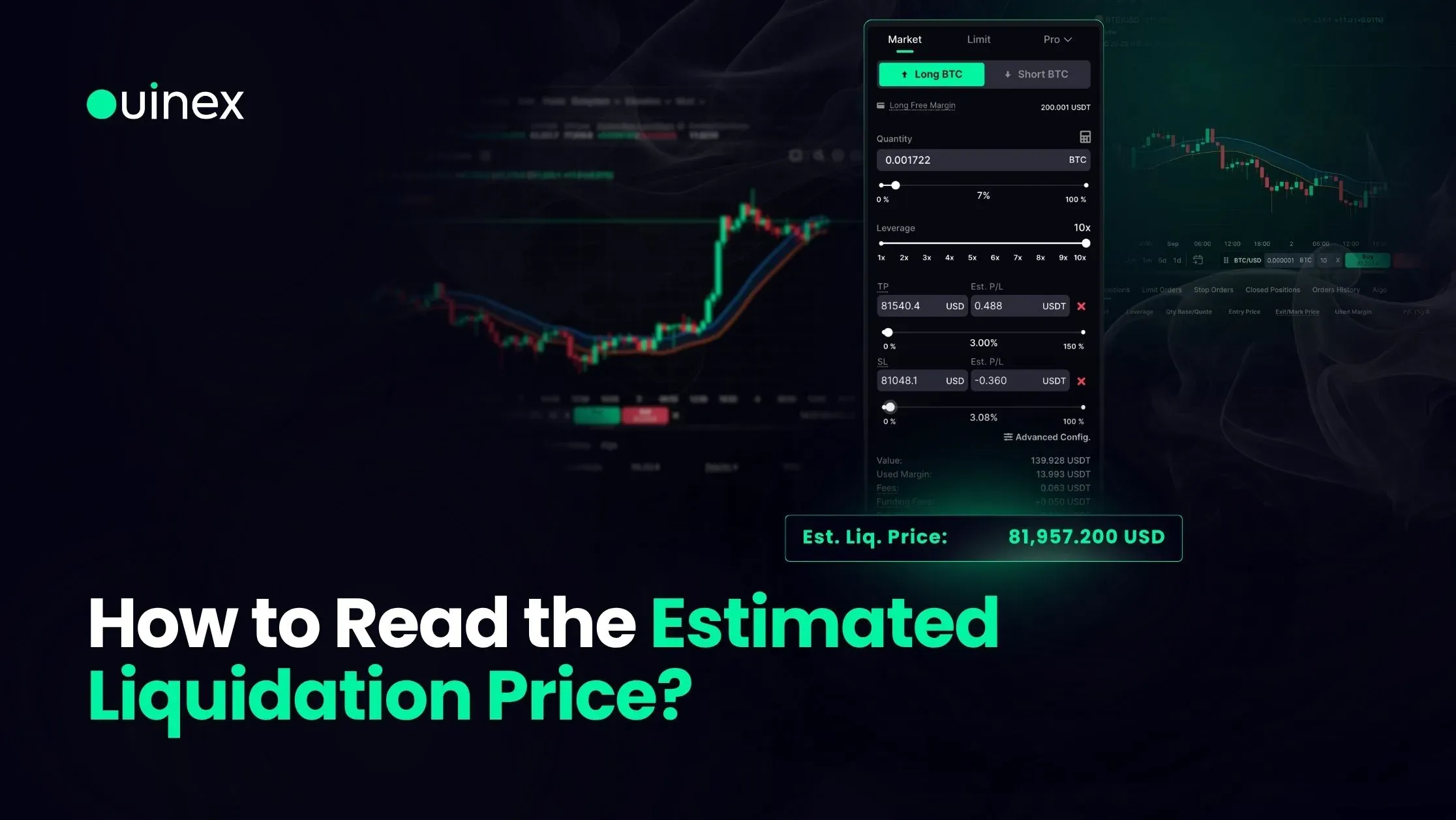
Ouinex now shows you the estimated price at which a position would be liquidated before you place the order. It sits on the Est. Liq. Price line in the order summary at the bottom of the trade form, directly above the confirm button, and it updates in real time as you change your quantity or your leverage.
Read More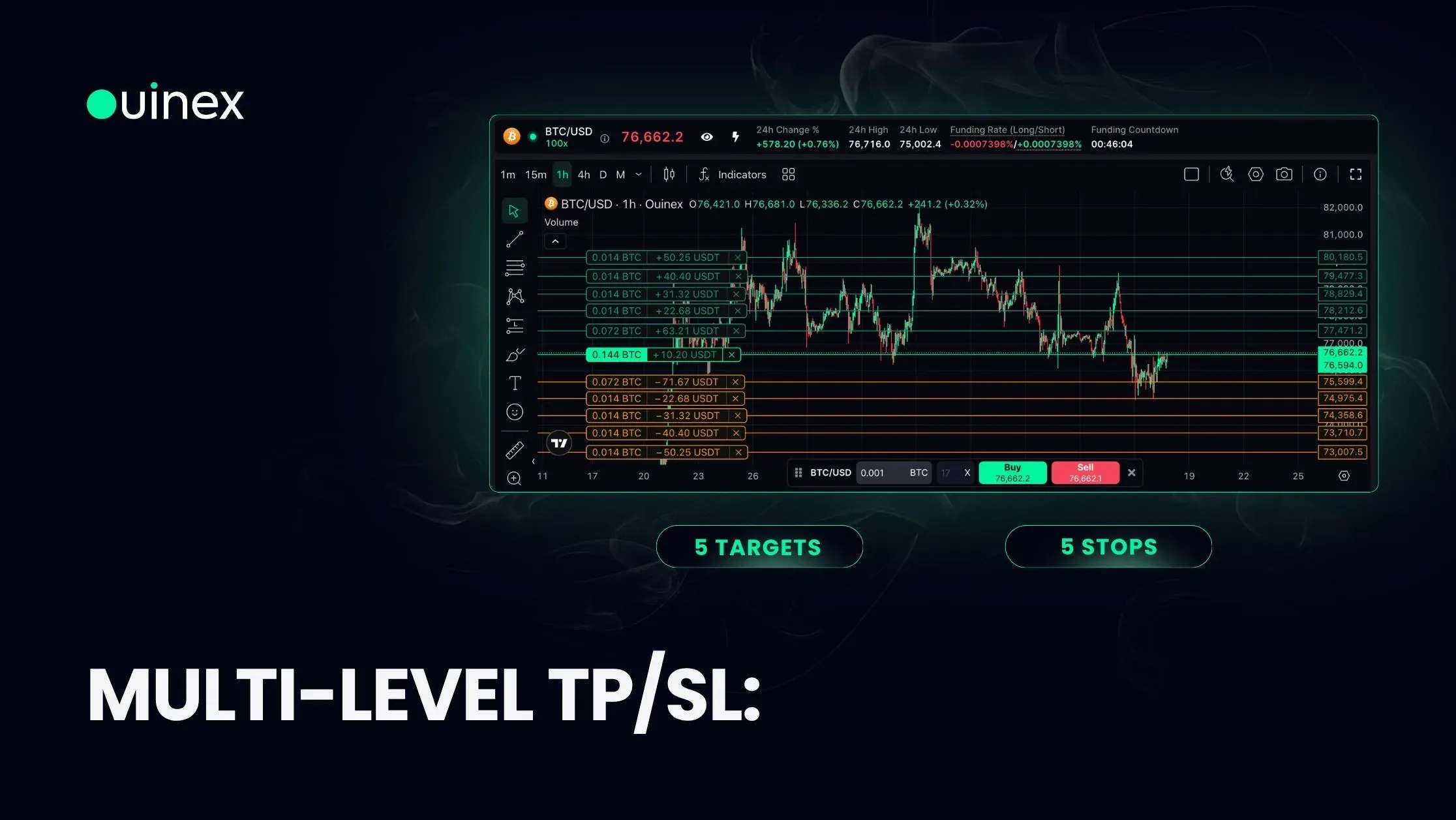
Until 4.35, a position on Ouinex could carry one take profit and one stop loss. It can now carry up to five of each, every level with its own price and its own quantity, so you can close half the position at the first target, a quarter at the second, and let the remainder run. On top of that, the stop side can be handed to one of three automated strategies: break-even, stop-win, or a trailing stop.
Read More
